

Latest Version
KDE
Finance
Linux
Free
org.kde.CrowTranslate
Report a Problem
More About Crow Translate
The Ultimate Desktop Translation Companion
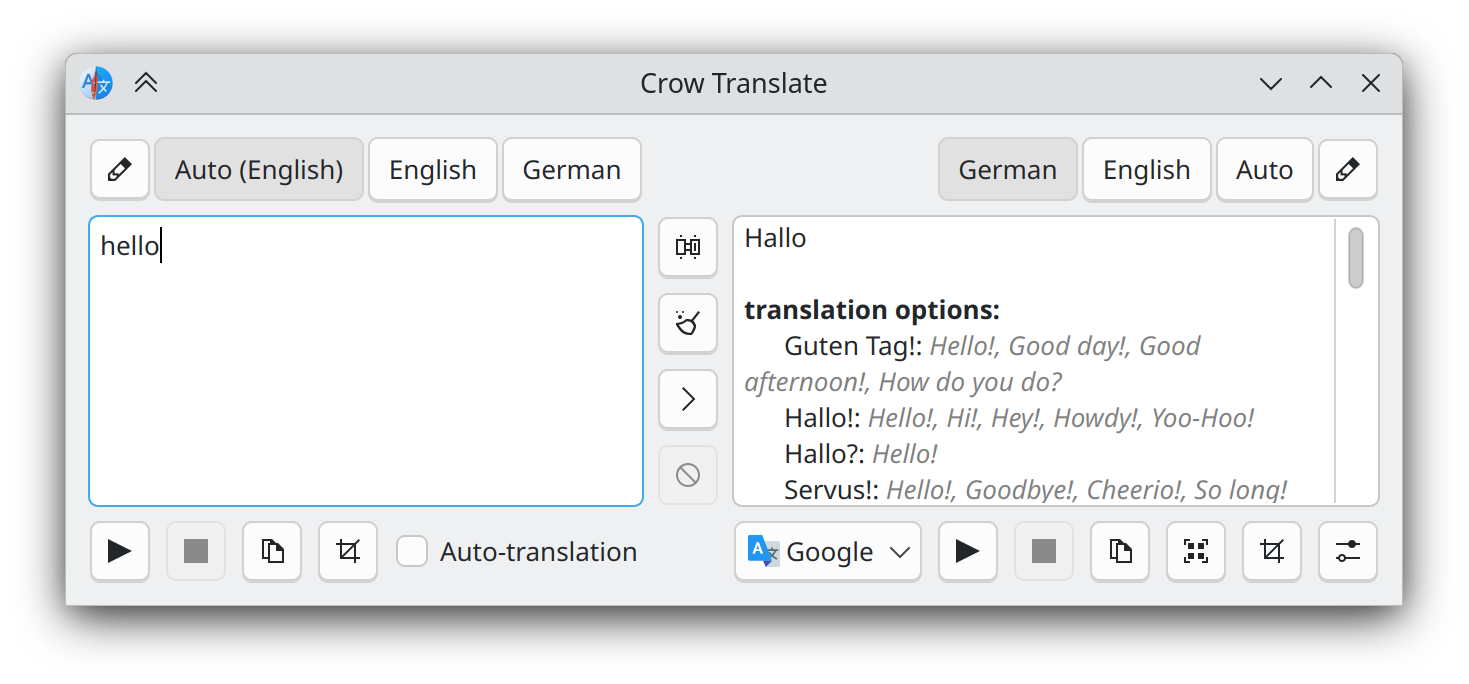
Imagine you are deep in a research project, analyzing international financial documents or reading global tech forums, and you constantly have to copy-paste paragraphs into a browser tab just to understand them. The disruption to your workflow can be incredibly frustrating. This is exactly where the Crow Translate desktop translation tool steps in to streamline your reading and writing experience.
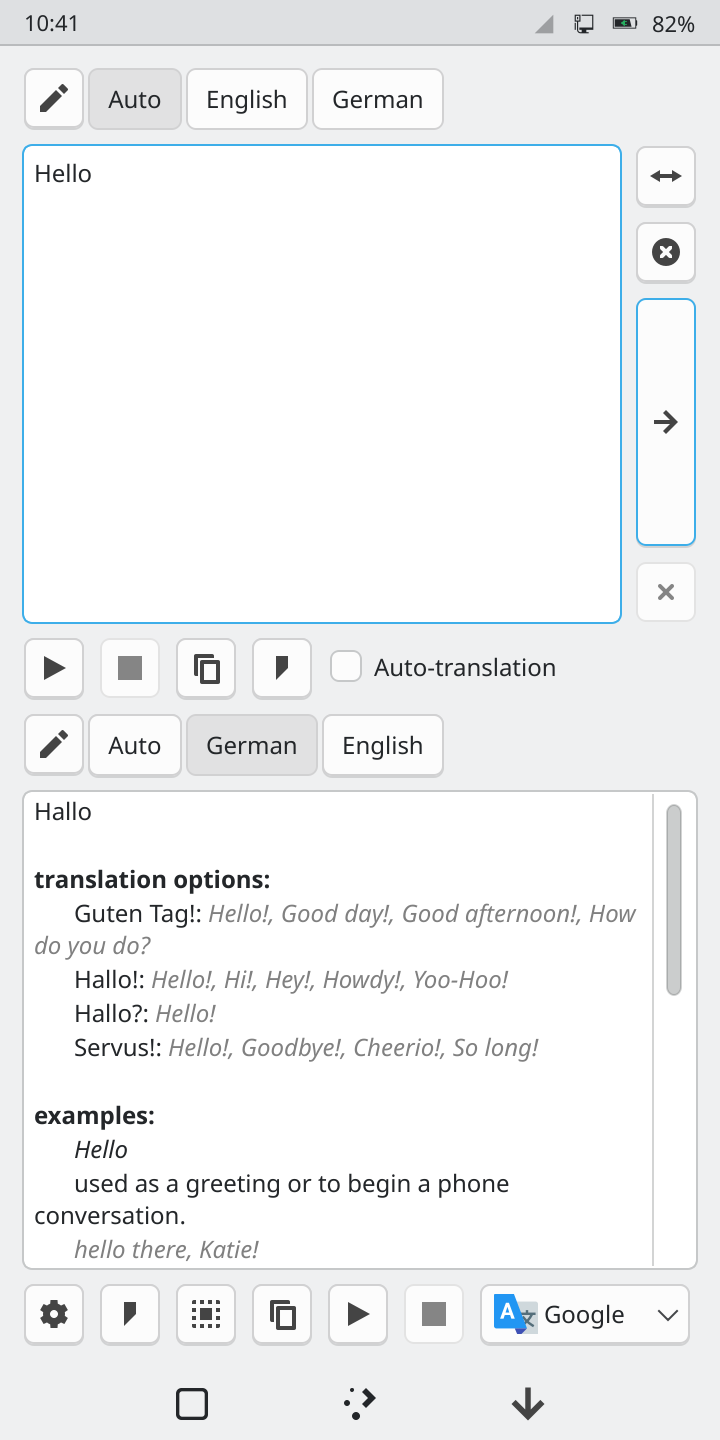
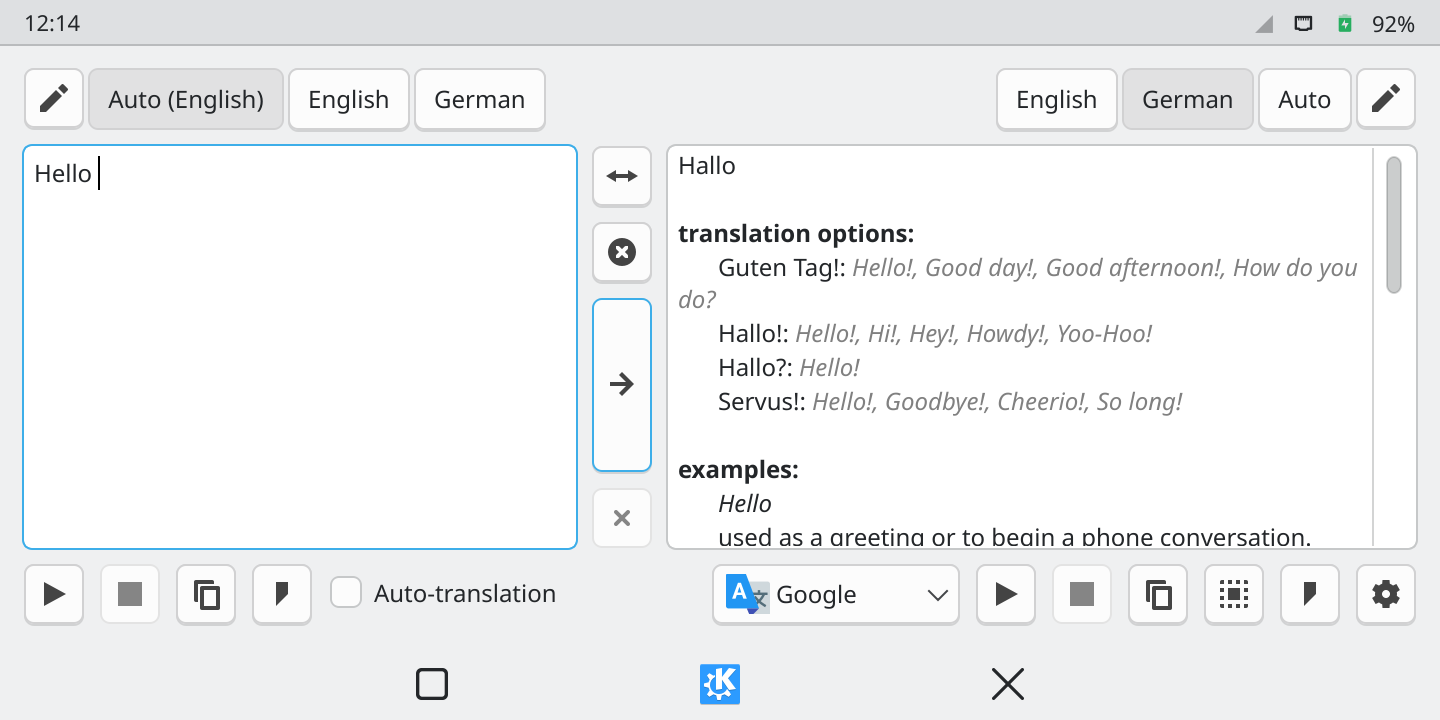
Developed by the trusted KDE community, this lightweight C++ and Qt application integrates directly into your operating system. Instead of interrupting your work, it allows you to instantly translate and speak text from your screen or active selection with minimal effort.
Multi-Engine Capabilities Powered by Mozhi
At the heart of the Crow Translate desktop translation tool is Mozhi, a versatile engine aggregator. This integration gives you access to multiple translation engines simultaneously, allowing you to compare definitions and find the most accurate phrasing. It is important to note that while Mozhi acts as a local proxy to help protect your privacy, the underlying third-party translation services may still process and analyze the text you submit.
Key Features of Crow Translate
- Seamless Screen Capture: Translate text directly from your screen layout or active selections without manual copying.
- Text-to-Speech: Listen to the correct pronunciation of translated phrases instantly.
- Customizable Hotkeys: Set up personalized keyboard shortcuts to trigger translations instantly from any application.
- Advanced CLI and D-Bus API: Power users can integrate the translator into custom scripts and automated workflows via the command-line interface.
- Cross-Platform Build: Designed to run efficiently on both Linux and Windows environments.
Who Is This Translation Tool For?
Whether you are a developer localizing software, a financial analyst reading foreign market reports, or an academic parsing international papers, this utility keeps you productive. Because it runs natively on Linux and Windows, it bypasses the heavy memory overhead associated with keeping resource-intensive browser tabs open.
How to Get Started
If you are looking for a fast, keyboard-driven way to bridge language barriers on your desktop, the Crow Translate desktop translation tool is an exceptional open-source choice. To explore this utility and add it to your system, head over to the official Flathub store page to get started.
Rate the App
User Reviews















Popular Apps










Editor's Choice