

Latest Version
CoreFlow
Travel & Local
Windows
6.59
9p18wr9sthbn
Report a Problem
More About TravelPlanner – Trip Planner & Itinerary
A Centralized Command Center for Your Next Adventure
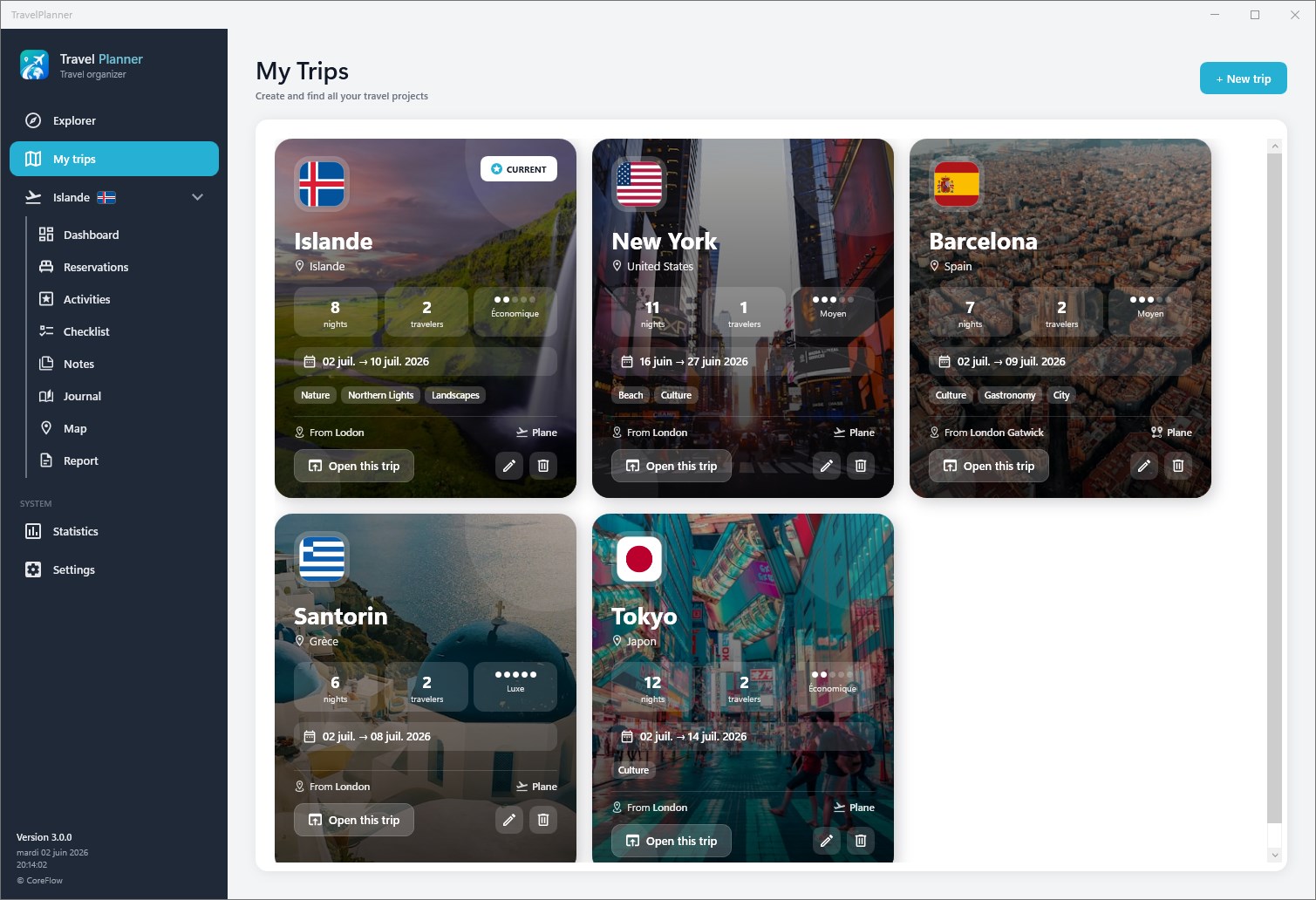
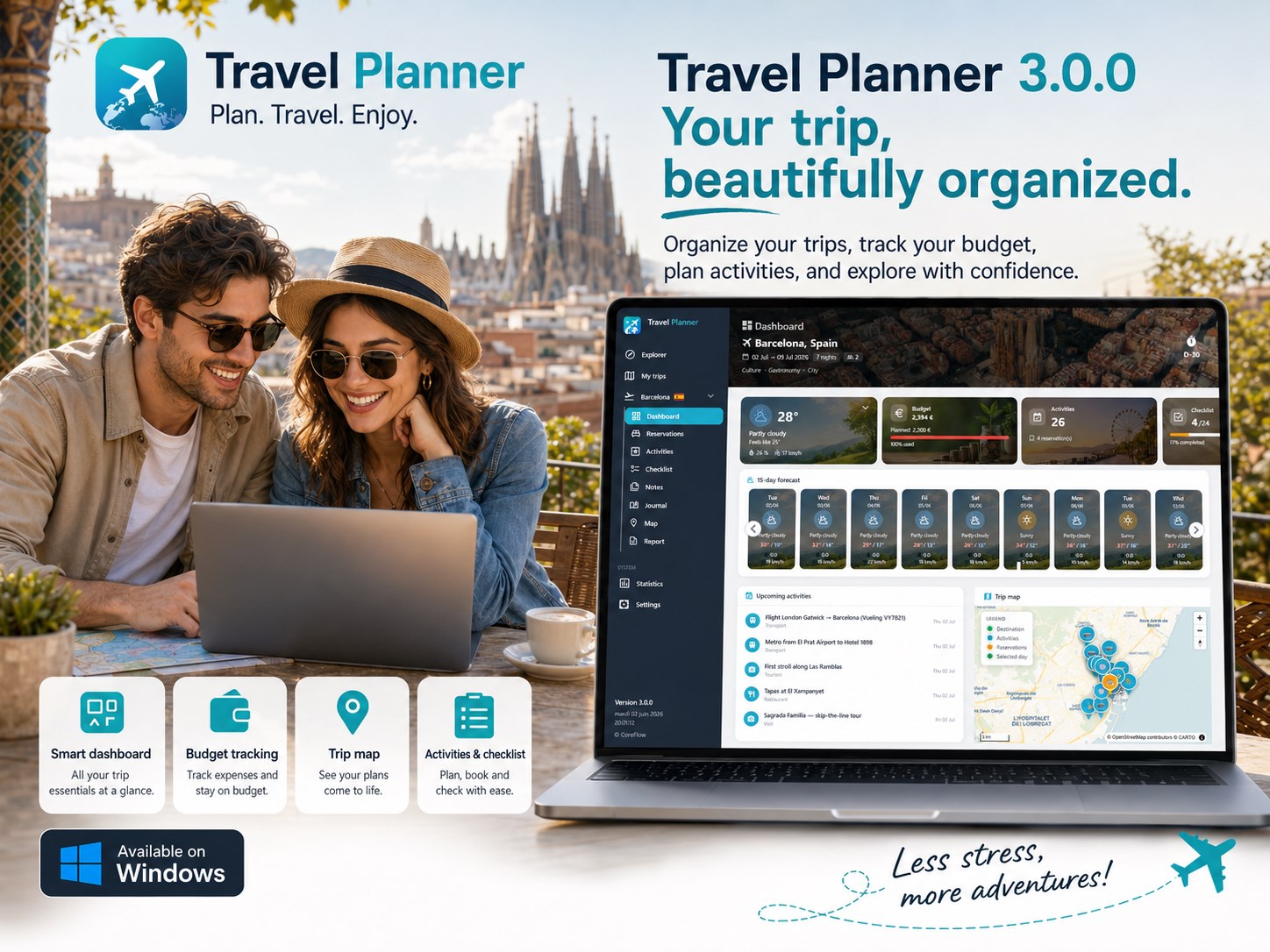
TravelPlanner – Trip Planner & Itinerary stands out in the crowded travel utility space by bringing a robust, desktop-class organization experience to Windows users. Instead of jumping between endless browser tabs, email confirmations, and scattered spreadsheets, this dedicated application by CoreFlow acts as a unified digital binder. It is designed specifically for travelers who want to map out every detail of their journey offline or online, offering a highly structured environment that keeps stress at bay.
Key Features of TravelPlanner – Trip Planner & Itinerary
This software goes beyond basic note-taking by providing dedicated modules for every phase of your journey:
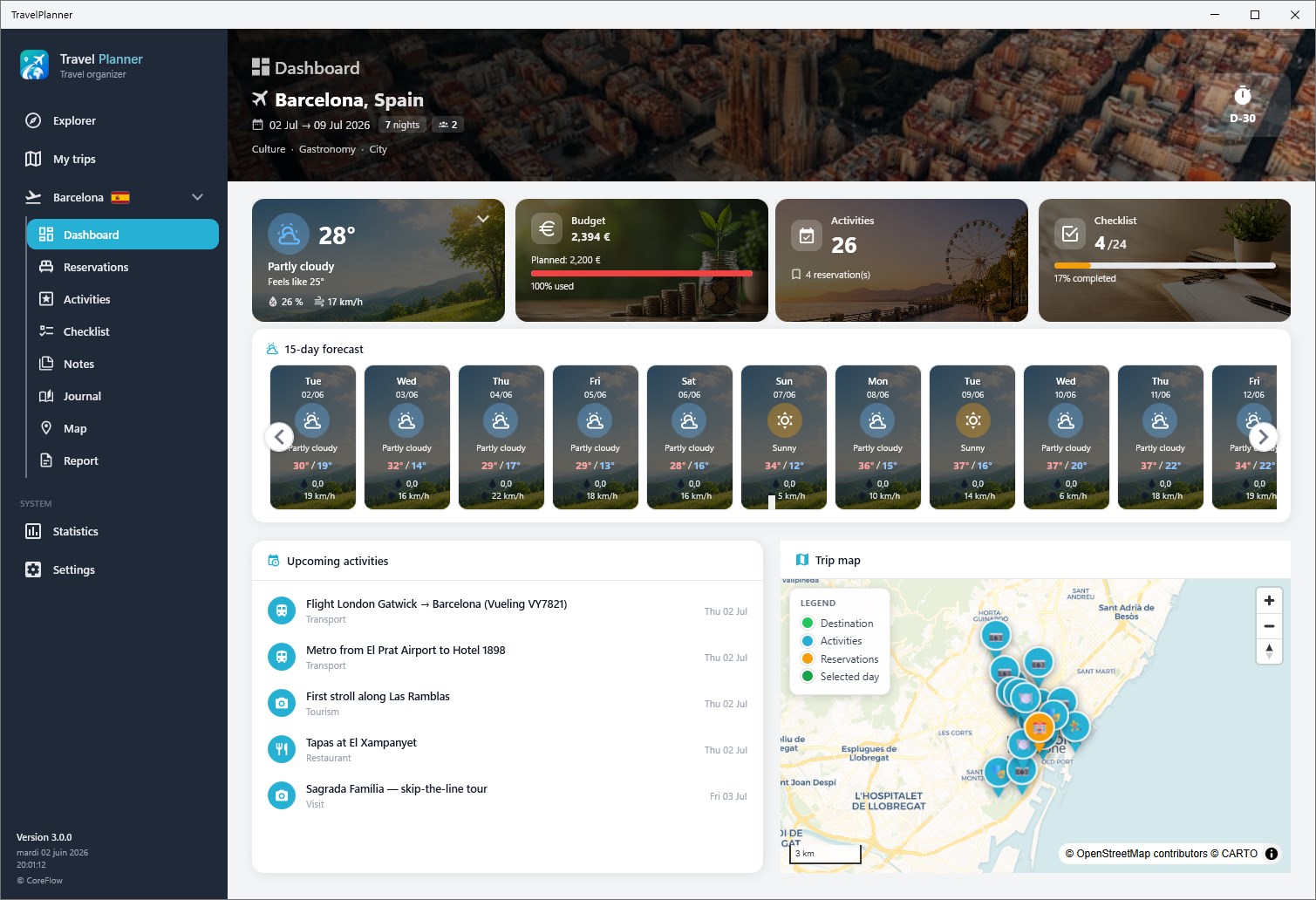
- Day-by-Day Itinerary Builder: Plot your daily activities, set precise schedules, and map out locations to ensure you make the most of every hour.
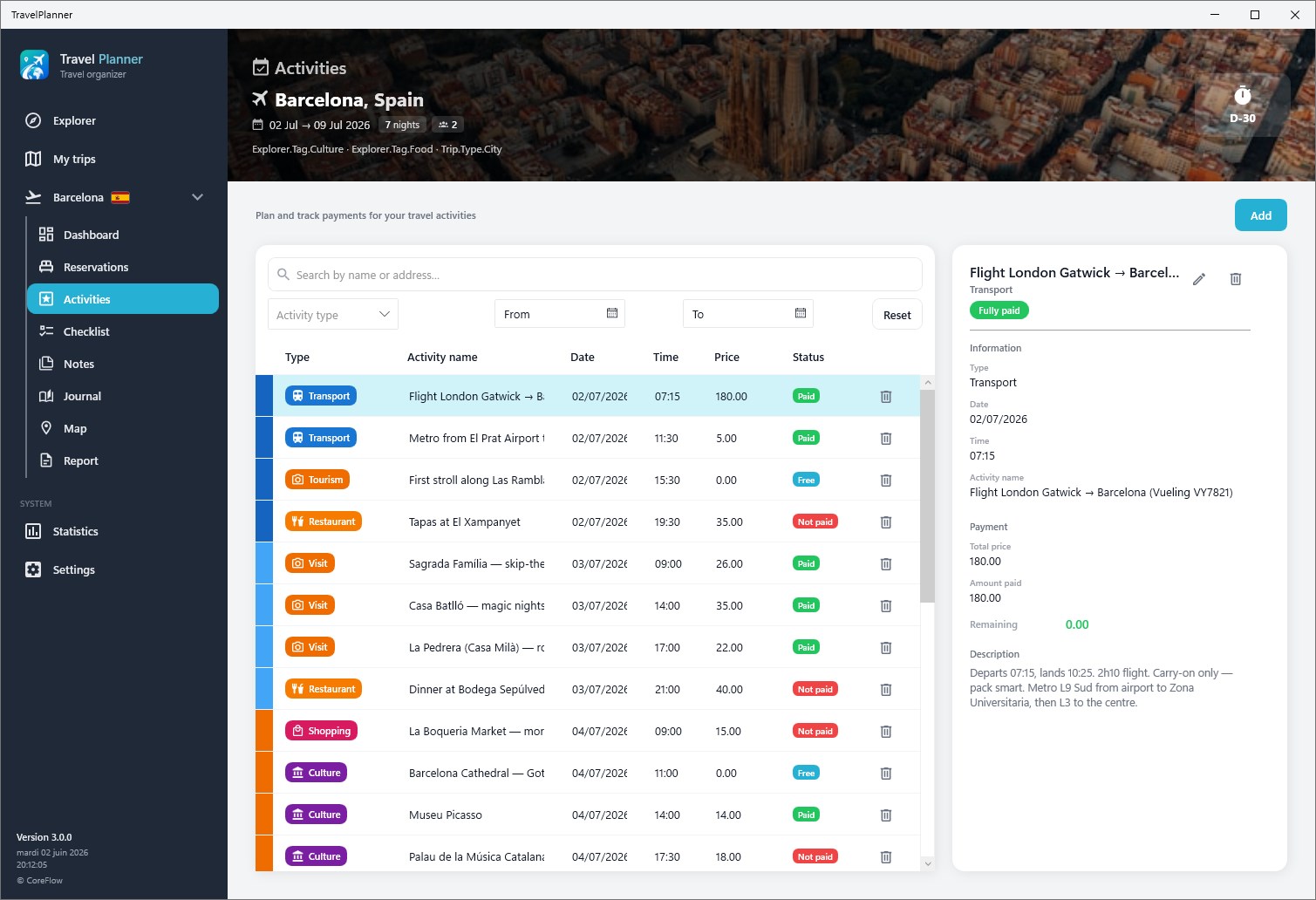
- Reservation Management: Store your flight bookings, hotel confirmations, restaurant reservations, and event tickets in one secure dashboard. You can track payment statuses and keep essential confirmation codes handy.
- Comprehensive Budgeting: Keep a close eye on your travel funds. Track expenses as they happen and manage pending payments so you never overspend.
- Shared Expense Splitting: If you are traveling with friends or family, the app calculates shared costs (like group dining or lodging) and determines exactly who owes what.
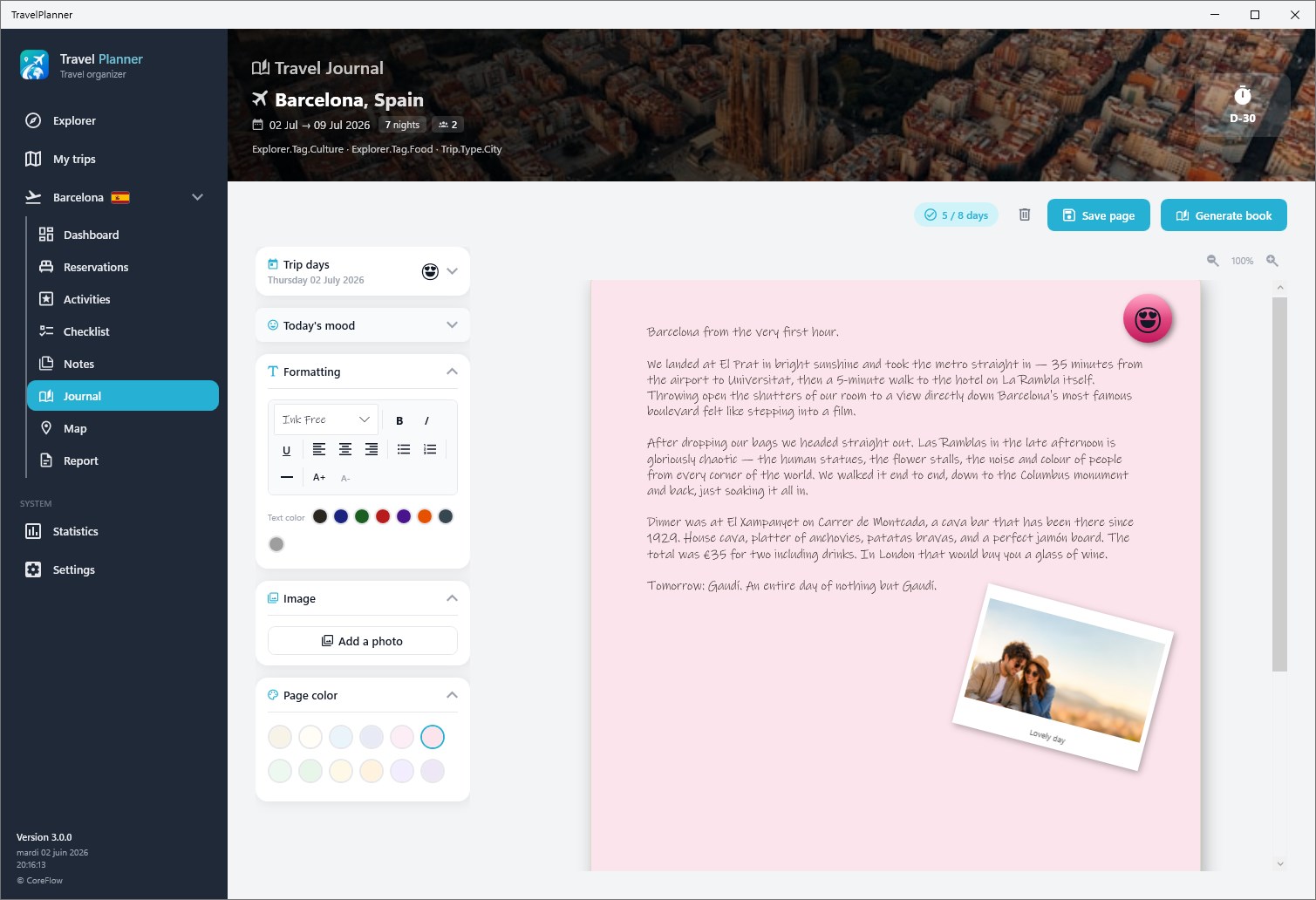
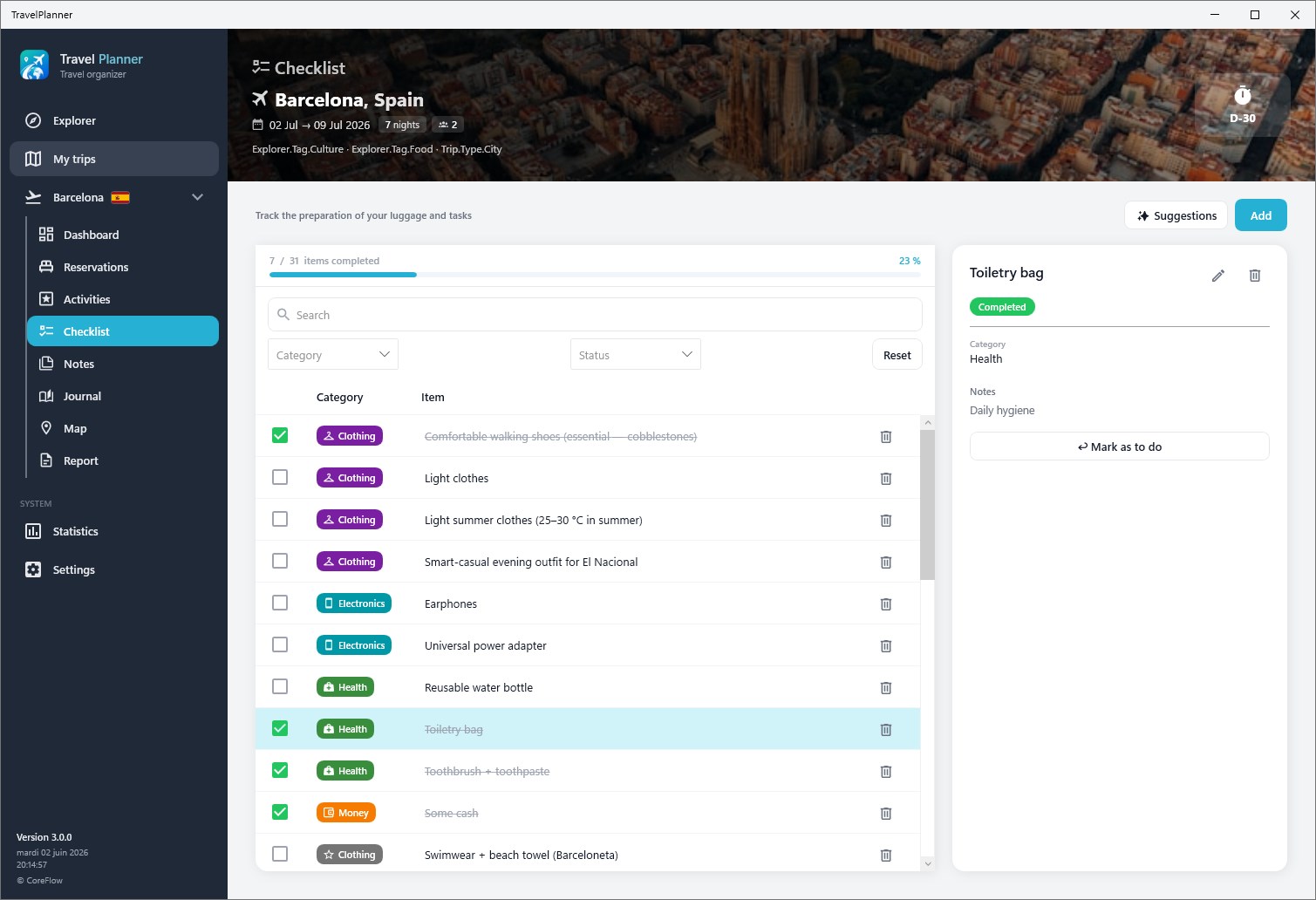
- Pre-Trip Checklists & Notes: Build custom packing lists, task lists, and general travel notes so nothing gets left behind.
- Data Portability: Export your complete itinerary to a clean PDF format for offline access, or export your financial data directly to Excel for deeper analysis.
Who Is This Desktop Trip Organizer For?
Whether you are a solo backpacker coordinating multi-city train hops, or a family coordinator managing hotel check-ins and dinner reservations for a large group, this tool adapts to your workflow. The inclusion of multi-language support (English, French, German, Spanish, and Italian) and both light and dark visual themes makes it a highly accessible choice for international travelers who prefer planning on a larger screen before they set off.
Streamline Your Next Journey
Planning a trip should be half the fun, not a logistical headache. By centralizing your reservations, daily schedules, and group expenses into a single, cohesive desktop interface, this utility ensures you can focus on the experience rather than the paperwork. To explore the interface and start organizing your next getaway, visit the official Microsoft Store to purchase and download TravelPlanner – Trip Planner & Itinerary for your Windows device.
Rate the App
User Reviews














Popular Apps










Editor's Choice